
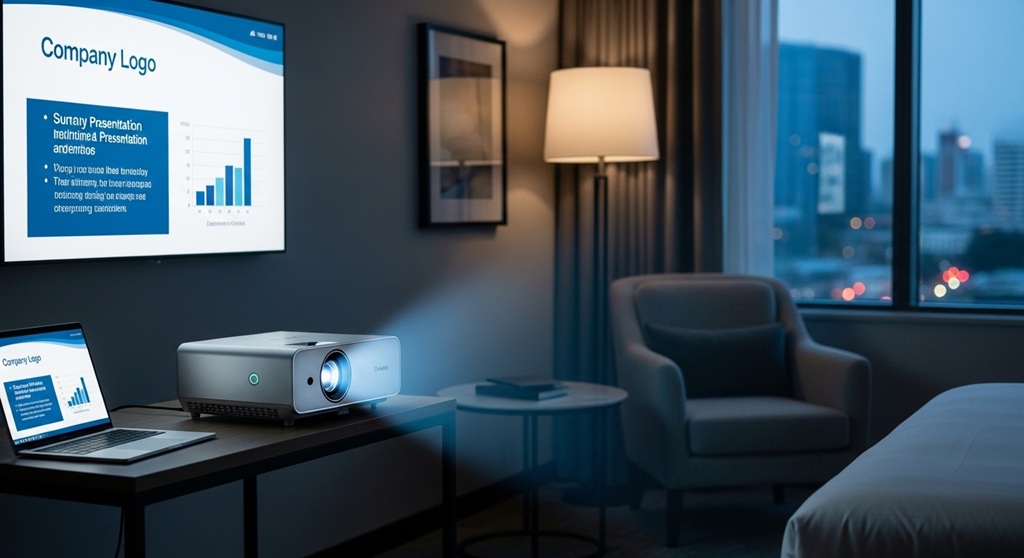
Imagine walking into a client meeting with nothing but a laptop bag and still delivering a professional presentation anywhere. That is the power of a portable office projector. In today’s remote and hybrid business environment, professionals frequently travel to meet clients, partners, and investors. Carrying a full presentation setup is impractical, which is why compact projectors have become essential tools for business travel.
A portable projector is a lightweight, compact device designed to display presentations, spreadsheets, videos, or dashboards on a wall or screen without needing bulky equipment. Many modern mini office projectors fit inside a laptop bag and connect directly to laptops, smartphones, or tablets.
For traveling professionals, a compact projector for meetings solves several common problems: unreliable meeting room equipment, limited display options, and last-minute presentation changes. With your own projector, you maintain full control over how your content is displayed.
According to a 2023 workplace technology study by Global Workplace Analytics, over 58% of business professionals now conduct meetings outside traditional offices at least once per week. Portable presentation tools, including mini projectors, are becoming part of the modern mobile office setup.
This guide explains how to choose the right portable office projector for business travel, including key specifications, performance considerations, and practical features that matter during real-world meetings.
Why Do Professionals Need a Compact Projector for Meetings While Traveling?
Short answer: A compact projector for meetings allows professionals to deliver presentations anywhere without relying on unreliable office equipment.
Business travel often introduces unpredictable meeting conditions. Conference rooms may lack working screens, compatible cables, or sufficient display size. When presentations involve charts, data dashboards, or product visuals, screen visibility becomes critical.
Here are the main reasons professionals carry a mini office projector:
- Meeting flexibility: Present anywhere including hotel rooms, coworking spaces, or client offices.
- Reliability: Avoid compatibility issues with office displays.
- Professional presentation: Large visuals improve audience engagement.
- Time efficiency: Quick setup without relying on IT staff.
- Portable workspace: Works as part of a mobile office kit.
Sales teams, consultants, marketing professionals, trainers, and startup founders often rely on portable presentation tools during business trips.
For example, consulting firm Deloitte reported in an internal productivity study that client meetings using visual presentations improved comprehension by nearly 43% compared to verbal explanations alone. A portable projector ensures those visuals are always available.
What Features Should You Look for in a Mini Office Projector?
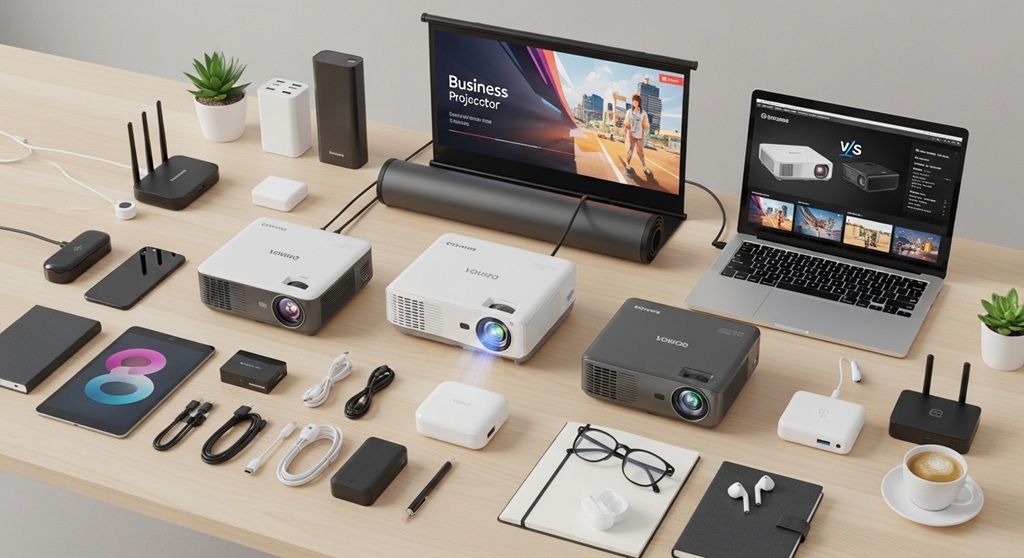
Short answer: Focus on brightness, portability, connectivity, battery life, and resolution.
Choosing the right portable office projector requires balancing performance and portability. Business travelers need devices that deliver clear visuals without adding weight to their travel bags.
Key Features to Evaluate
| Feature | Recommended Range | Why It Matters |
|---|---|---|
| Brightness | 300–1000 ANSI lumens | Ensures presentations remain visible in office lighting. |
| Resolution | 720p or 1080p | Improves clarity for text-heavy slides. |
| Weight | Under 2 pounds | Important for frequent travel. |
| Battery Life | 2–4 hours | Allows cable-free presentations. |
| Connectivity | HDMI, USB-C, wireless | Supports multiple devices. |
Modern compact projectors for meetings are designed to meet these specifications while maintaining portability.
How Bright Should a Portable Projector Be for Business Presentations?
Short answer: Choose at least 300–500 ANSI lumens for indoor meetings.
Brightness determines how clearly your presentation appears in a room with ambient lighting. Many business meetings take place in offices where turning off lights is not practical.
Brightness is measured in ANSI lumens. Higher numbers mean brighter projections.
- 200 lumens – suitable only for dark rooms
- 300–500 lumens – good for small meeting rooms
- 700+ lumens – suitable for conference rooms
If your presentations contain spreadsheets, financial charts, or dashboards, brightness becomes even more important. Low brightness can make text difficult to read.
Industry testing by ProjectorCentral found that readability of presentation slides increased significantly once brightness exceeded 400 ANSI lumens in office lighting conditions.
For most traveling professionals, a mini office projector with around 500 lumens offers a balance between brightness and portability.
What Resolution Is Best for a Portable Business Projector?
Short answer: 1080p resolution offers the best clarity for business presentations.
Resolution refers to the number of pixels used to create the projected image. Higher resolution improves readability and visual clarity.
Common Resolutions
- 480p: Entry-level projectors, limited clarity
- 720p: Acceptable for basic presentations
- 1080p: Best option for business use
- 4K: Rare in portable models and often unnecessary
Most business slides contain text, charts, and data tables. These elements require sharp resolution to remain readable when projected on large surfaces.
Many compact projectors for meetings now support native 1080p resolution, ensuring slides remain crisp even when projected at sizes above 80 inches.
How Important Is Portability for Business Travelers?
Short answer: Portability determines how practical the projector is for frequent travel.
A portable office projector should fit easily into a laptop bag or backpack without adding excessive weight.
Frequent travelers already carry laptops, chargers, documents, and accessories. Adding bulky equipment can make travel inconvenient.
Ideal Portability Specifications
- Weight under 2 pounds
- Compact body under 8 inches wide
- Protective carrying case
- Durable exterior build
Some modern mini projectors are nearly the size of a smartphone, making them ideal for business travel.
Technology market research firm Statista reported that sales of compact portable projectors grew by over 32% between 2020 and 2024, largely driven by mobile professionals and hybrid workers.
What Connectivity Options Should a Mini Office Projector Include?
Short answer: Look for HDMI, USB-C, wireless screen mirroring, and Bluetooth support.
Business travelers often switch between devices during meetings. A projector must support multiple connection types to avoid compatibility issues.
Essential Connectivity Options
- HDMI: Standard connection for laptops
- USB-C: Supports modern ultrabooks
- Wireless casting: Screen mirroring from phones
- Bluetooth: External speakers for better audio
Wireless connectivity is particularly useful for quick presentations. It allows presenters to connect without searching for cables.
Many compact projectors now support AirPlay, Miracast, or Chromecast-style casting.
Do Portable Projectors Need Built-In Batteries?
Short answer: Yes. A built-in battery improves flexibility during travel.
Some meeting spaces lack accessible power outlets. A projector with an internal battery ensures presentations can continue without interruption.
Battery capacity varies across models.
- 1–2 hours – basic presentations
- 2–3 hours – typical meeting duration
- 3–4 hours – extended workshops
Many mini office projectors also support power banks via USB-C, which extends operating time during longer sessions.
For traveling professionals, battery-powered operation provides an important backup in unfamiliar environments.
How Easy Should Setup Be for a Travel Projector?
Short answer: Setup should take less than two minutes.
Time efficiency matters during business meetings. Complicated setup processes can delay presentations and disrupt discussions.
Helpful Setup Features
- Auto keystone correction
- Auto focus
- Quick boot startup
- Wireless device pairing
These features allow professionals to start presentations quickly without technical adjustments.
Many modern compact projectors can display content within 10–15 seconds after powering on.
What Size Image Can a Portable Office Projector Display?
Short answer: Most portable projectors can display images between 30 and 120 inches.
Image size depends on projection distance and lens capability.
Typical projection ranges:
- 1 meter distance – 40–50 inch image
- 2 meters distance – 70–80 inch image
- 3 meters distance – 100+ inch image
This flexibility allows professionals to adapt presentations to different meeting environments.
Even small mini office projectors can produce presentation screens significantly larger than laptop displays.
How Much Should You Spend on a Portable Business Projector?
Short answer: Quality portable office projectors typically cost between $200 and $800.
Price depends on brightness, resolution, battery capacity, and connectivity features.
| Price Range | Features |
|---|---|
| $150–$250 | Basic mini projector, lower brightness |
| $250–$500 | 1080p resolution, better brightness |
| $500–$800 | High brightness, wireless features, premium build |
Professionals who rely on frequent presentations should consider mid-range or premium options for reliability.
Conclusion: What Is the Best Strategy for Choosing a Portable Office Projector?
Choosing the right portable office projector for business travel is not about buying the smallest device available. It is about selecting a tool that balances portability with professional performance.
A reliable compact projector for meetings should offer strong brightness, clear resolution, versatile connectivity, and simple setup. These features ensure presentations remain effective regardless of location.
As remote work and travel-based meetings continue to grow, portable presentation tools are becoming essential parts of the modern business toolkit. A mini office projector allows professionals to present confidently in any environment.
If you regularly travel for meetings, investing in the right projector can improve presentation quality, reduce technical issues, and help you communicate ideas more clearly.
Call to Action: Before your next business trip, evaluate your presentation setup. If you depend on visual communication, consider adding a portable projector to your travel toolkit. The right device can turn any room into a professional meeting space.
Frequently Asked Questions About Portable Office Projectors
1. What is the best brightness level for a compact projector for meetings?
A brightness level between 400 and 700 ANSI lumens is ideal for most business meetings. This range ensures slides remain visible in rooms with normal lighting conditions.
2. Can a mini office projector connect to smartphones?
Yes. Many modern portable projectors support wireless screen mirroring through technologies like AirPlay, Miracast, or built-in casting features.
3. Are portable projectors suitable for PowerPoint presentations?
Yes. Portable projectors are designed to display slides, charts, and documents. Models with 1080p resolution provide the best clarity for text-heavy presentations.
4. Do business travelers really use portable projectors?
Yes. Sales professionals, consultants, trainers, and startup founders frequently carry portable projectors to ensure reliable presentations during client meetings.
5. How long do portable projector lamps last?
Most modern LED projectors have lamp lifespans between 20,000 and 30,000 hours, which can last several years under normal usage.
6. Are mini projectors better than using a laptop screen?
Yes. Projectors create larger displays that allow multiple people to view content simultaneously. This improves collaboration and engagement during meetings.
7. Can portable projectors replace conference room projectors?
For small to medium meeting rooms, portable projectors can effectively replace traditional conference room projectors while offering greater flexibility.
Read More Also: How to Choose Energy-Efficient Commercial Vacuum Cleaners for Offices
Find out: How to Sell a Business Online Using Digital Marketplaces Safely
