
Modern offices are changing fast. Technology is reshaping how companies track employee time and presence. One of the most exciting shifts is the move toward face recognition attendance systems. These systems are accurate, fast, and easy to use. However, many businesses are still unsure how to get started.
This guide walks you through everything you need to know. From choosing the right hardware to training your staff, you will find clear steps to follow.
What Is a Face Recognition Attendance System?
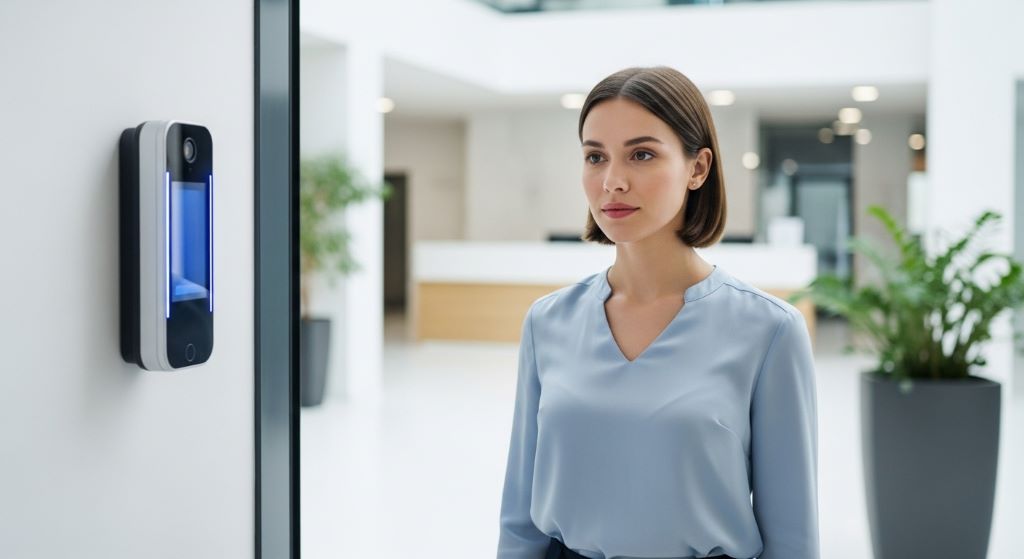
A face recognition attendance system uses a camera and software to identify employees by their facial features. When a person walks into the office, the camera scans their face. The system then matches it against a stored profile. If there is a match, it logs the time automatically.
This process takes less than a second. Therefore, there are no long queues at the entrance. Employees simply walk in, and the system does the rest.
Additionally, these systems are contactless. Employees do not need to touch a screen, swipe a card, or enter a PIN. This makes them ideal for hygiene-conscious workplaces.
Why Modern Offices Are Making the Switch
Many companies still rely on outdated methods. Paper timesheets, punch cards, and manual sign-in sheets are slow and easy to manipulate. Employees can ask colleagues to clock in for them, a practice known as buddy punching.
Face recognition eliminates this problem. Each face is unique. Therefore, the system can only log a person if they are physically present.
Moreover, a well-integrated AI attendance system can connect with payroll software. This means attendance data flows directly into salary calculations. It removes manual data entry and reduces costly errors.
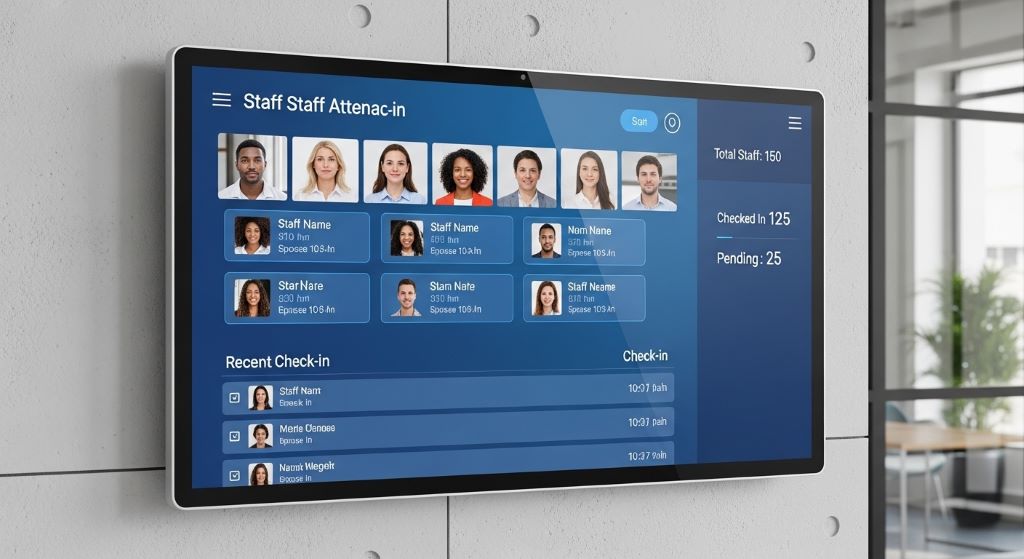
Beyond accuracy, these systems save time for HR teams. Instead of reviewing timesheets manually, managers can access real-time reports from a dashboard. They can see who is present, who arrived late, and who left early.
Choosing the Right Hardware
Getting the hardware right is a critical first step. The quality of your camera will directly affect how well the system performs.
Here are key factors to consider:
- Resolution: Choose a camera with at least 2 megapixels. Higher resolution leads to better face detection, especially in crowded areas.
- Low-light performance: Offices often have varied lighting. A camera with good low-light capability ensures accurate detection throughout the day.
- Wide-angle lens: This allows the camera to capture faces even when employees are not standing directly in front of it.
- Processing speed: Look for cameras with built-in processors. These reduce lag and improve response time.
Additionally, consider where you will place the cameras. Entry points, reception areas, and turnstiles are common locations. Make sure the camera is mounted at eye level for the best results.
Selecting the Right Software Platform
Hardware alone is not enough. The software platform you choose will determine how well the system performs over time.
Look for software that offers the following features:
- High accuracy rate: A good system should achieve over 99% recognition accuracy under standard conditions.
- Anti-spoofing technology: This prevents someone from using a photo or video to trick the system.
- Cloud or on-premise options: Cloud-based systems are easier to scale. On-premise systems offer more control over sensitive data.
- Integration capabilities: The platform should integrate easily with your existing HR software and payroll tools.
- Data privacy compliance: Make sure the system complies with local data protection laws, such as GDPR in Europe or PDPA in Southeast Asia.
When evaluating vendors, ask for a trial period. This lets you test the software in your actual environment before committing to a purchase.
Setting Up the System: A Step-by-Step Process
Once you have chosen your hardware and software, it is time to set everything up. Follow these steps to ensure a smooth rollout.
Step 1: Enroll employees
Start by capturing facial profiles for all employees. Most systems have a simple enrollment process. Employees stand in front of a camera, and the software captures multiple angles of their face. This usually takes under two minutes per person.
Step 2: Configure the system settings
Set working hours, shift schedules, and overtime thresholds in the software. Link the system to your payroll platform if it offers that integration.
Step 3: Run a pilot test
Before going live, test the system with a small group. Check for issues such as false rejections or slow recognition speeds. Adjust the camera angles and lighting if needed.
Step 4: Go live and monitor
Roll out the system to the entire office. Monitor it closely for the first few weeks. Address any issues quickly to build employee confidence in the new process.
Step 5: Train your HR team
Make sure your HR staff knows how to access reports, manage exceptions, and handle technical issues. A trained team will keep the system running smoothly.
Addressing Privacy and Ethical Concerns
Privacy is one of the biggest concerns when implementing face recognition technology. Employees may worry about how their biometric data is stored and used.
To address these concerns, be transparent. Inform employees about the system before it goes live. Explain what data is collected, how it is stored, and who has access to it.
Additionally, follow a data minimisation approach. Only collect what you need. Store facial data in encrypted formats, and set clear retention policies. Delete data when an employee leaves the company.
It is also good practice to offer an alternative. Some employees may have religious or medical reasons for not wanting to use face recognition. A secondary method, such as a PIN or badge, can serve as a backup.
Integrating with Existing Office Systems
A contactless attendance solution works best when it connects with your broader office infrastructure. Many modern platforms support integration through APIs.
Common integrations include:
- Payroll software: Automate salary calculations based on attendance data.
- Access control systems: Use the same face recognition for building entry and attendance tracking.
- HR management systems: Sync leave applications and attendance records in one place.
- Project management tools: Track time spent on specific projects alongside attendance data.
These integrations reduce duplicate work and give managers a complete view of workforce activity.
Common Challenges and How to Solve Them
No system is perfect. However, most challenges with face recognition attendance systems are manageable.
Lighting issues are among the most common problems. If your office has poor or inconsistent lighting, recognition accuracy may drop. The solution is to add dedicated lighting near the camera or adjust the camera settings.
Mask usage can also affect recognition. Some modern systems can now identify faces with masks. However, if your system struggles, consider using a combination of face and eye recognition.
Employee resistance is another challenge. Some staff members may feel uncomfortable with biometric tracking. Address this by communicating clearly, involving employees in the process, and highlighting the benefits for them, such as faster check-ins and accurate pay calculations.
Conclusion
Face recognition attendance systems offer a powerful way to modernise how offices track time and presence. They are accurate, fast, and eliminate problems like buddy punching and manual errors. By choosing the right hardware and software, following a structured setup process, and addressing privacy concerns openly, any organisation can make a smooth transition.
The key is to plan carefully and communicate with your team throughout the process. When employees understand the benefits and trust how their data is handled, adoption becomes much easier. With the right approach, your office can enjoy the full benefits of an AI attendance system that saves time, reduces costs, and improves overall productivity.
Frequently Asked Questions
Is face recognition attendance legal in workplaces?
Yes, in most countries it is legal, provided companies comply with local data protection laws. Employers must inform employees, obtain consent where required, and handle biometric data securely. Always consult a legal expert to ensure compliance in your region.
How accurate are face recognition attendance systems?
Leading systems can achieve accuracy rates of 99% or higher under good lighting conditions. Accuracy may vary based on camera quality, lighting, and whether employees are wearing hats or glasses. Regular software updates help maintain high performance.
Can the system work for remote or hybrid employees?
Some platforms support mobile-based face recognition for remote workers. Employees can check in via a smartphone app, which uses the device camera. However, security and anti-spoofing measures are essential for remote use.
How is employee facial data protected?
Reputable systems encrypt facial data and store it separately from personal identifiers. Access is restricted to authorised personnel only. Companies should also establish data retention policies and delete biometric data when it is no longer needed.
What happens if the system fails to recognise an employee?
Most systems have a fallback option, such as a PIN, badge, or manual override managed by HR. It is important to have a clear process in place so employees are not left unable to clock in during a technical issue.
Related Topics:
Developing a Cloud Migration Strategy for Hospitals and HealthTech Companies
Smart Home Gadgets to Simplify Your Daily Routine
