
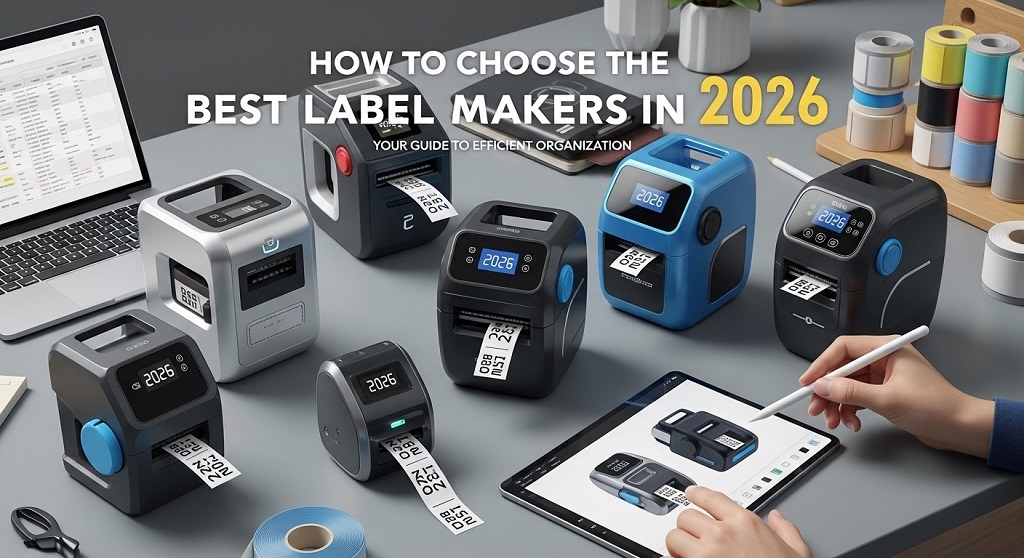
A label maker is a handheld or desktop device that prints adhesive labels for organizing, branding, shipping, and industrial use. In 2026, modern label makers connect to smartphones, support wireless printing, and offer long-lasting thermal technology.
Imagine spending hours organizing your office, warehouse, or home—only to lose time searching for files, cables, or storage boxes. Disorganization costs time. And time costs money.
According to a National Association of Professional Organizers report, the average worker spends nearly 4.3 hours per week searching for papers. Businesses also report operational delays due to poor labeling systems. The problem is clear: poor labeling creates confusion.
The solution? The right label maker.
This Label Maker Buying Guide 2026 will help you choose a device that fits your workflow, budget, and long-term needs. Whether you need a portable label printer for home organization or a commercial-grade labeling machine for inventory management, this guide covers everything in a practical, no-nonsense way.
Why Is Choosing the Right Label Maker Important?
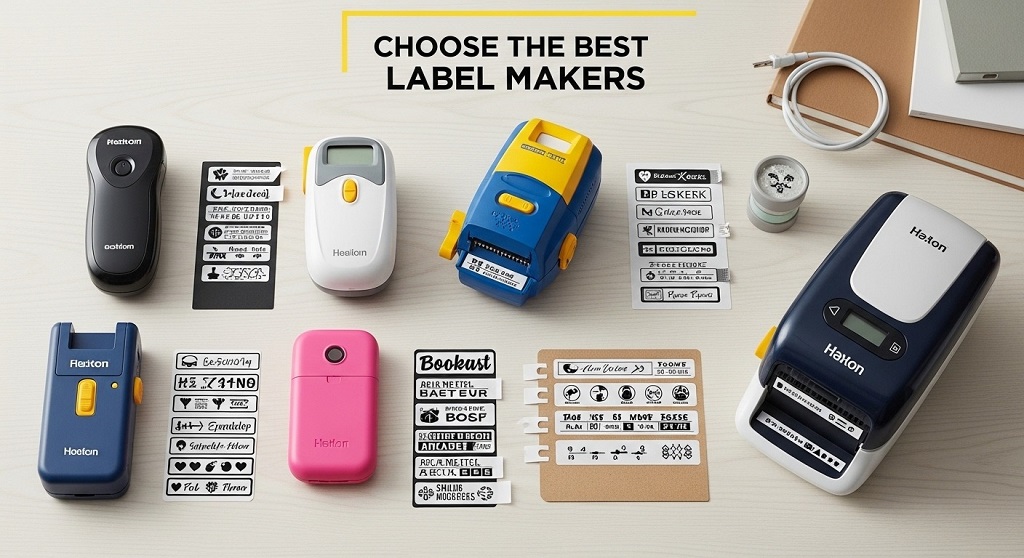
Quick Answer: The right label maker improves efficiency, reduces errors, and ensures durability across home, office, and industrial environments.
Here’s the problem many buyers face:
- They buy the cheapest option.
- The labels fade within months.
- The device lacks Bluetooth or app compatibility.
- Replacement tape becomes expensive.
This leads to wasted money and frustration.
A 2024 small business case study by a logistics startup in Singapore showed that upgrading from ink-based labeling to thermal label printing reduced reprint errors by 28% and improved warehouse scanning accuracy by 17% within six months.
The takeaway? A label maker is not a gadget. It is a workflow tool.
What Types of Label Makers Are Available in 2026?
Quick Answer: Label makers fall into four main categories: handheld, desktop, industrial, and smart Bluetooth-enabled models.
1. Handheld Label Makers
- Portable
- Battery operated
- Ideal for home or small office
- Limited design features
2. Desktop Label Printers
- Larger screen
- Plug-in power
- Supports wider label tape
- Better for office organization
3. Industrial Label Makers
- Rugged design
- Heat and chemical resistant labels
- Used in warehouses and electrical work
- High print durability
4. Smart Label Makers (Bluetooth/Wi-Fi)
- App-controlled printing
- Wireless connectivity
- Cloud template support
- Barcode and QR code generation
In 2026, Bluetooth-enabled label printers are dominating due to flexibility and mobile app integration.
What Printing Technology Should You Choose?
Quick Answer: Thermal printing is the most reliable and cost-effective option in 2026.
There are two main printing technologies:
| Technology | Pros | Cons |
|---|---|---|
| Ink-Based | Color printing available | Ink replacement cost |
| Thermal Printing | No ink required, low maintenance | Mostly monochrome |
Most modern label printers use direct thermal printing. It eliminates ink cartridges and reduces operating costs. For business users, this matters long term.
What Features Should You Look for in 2026?
Quick Answer: Prioritize connectivity, label durability, battery life, print speed, and tape compatibility.
1. Connectivity
- Bluetooth
- Wi-Fi
- USB-C
- Mobile app support
2. Label Durability
- Water-resistant labels
- Heat-resistant tape
- Fade-resistant adhesive
3. Print Resolution
Look for at least 180–300 dpi for sharp barcode labels.
4. Battery Type
- Rechargeable lithium battery preferred
- USB-C fast charging is standard in 2026
5. Tape Width Compatibility
Common sizes range from 6mm to 24mm. Wider labels support better visibility.
How Much Should You Budget for a Label Maker?
Quick Answer: Expect to spend $25–$50 for home use, $80–$200 for business-grade models, and $250+ for industrial units.
Budget categories:
- Entry-Level: Basic text labels
- Mid-Range: Bluetooth, barcode support
- Professional: High-volume printing, industrial durability
Hidden cost to watch: label tape refills. Some brands lock users into proprietary cartridges.
What Are the Best Use Cases for Different Buyers?
Quick Answer: Your use case determines your ideal model.
Home Organization
- Kitchen jars
- Closet storage
- School supplies
Small Businesses
- Shipping labels
- Inventory tags
- Barcode labels
Industrial or Electrical Work
- Cable labeling
- Safety tags
- Asset tracking
Match the device to workload volume.
How Do Label Makers Improve Business Efficiency?
Quick Answer: They reduce manual errors, speed up workflow, and improve inventory visibility.
A 2023 warehouse optimization case study published by a European supply chain consultancy found that structured labeling reduced picking errors by 32% and improved order fulfillment time by 21%.
Labels enable:
- Barcode scanning
- Inventory automation
- Clear categorization
Efficiency compounds over time.
What Mistakes Should You Avoid When Buying a Label Maker?
Quick Answer: Avoid ignoring tape costs, skipping connectivity checks, and underestimating durability needs.
- Buying without checking tape availability
- Choosing a model without smartphone support
- Ignoring long-term maintenance costs
- Overpaying for unused features
Always review manufacturer warranty and customer support reliability.
Are Smart Label Makers Worth It in 2026?
Quick Answer: Yes, if you need flexibility, mobile design tools, or barcode generation.
Smart label makers allow:
- Cloud template access
- QR code printing
- Custom fonts
- Bulk label creation
For online sellers and warehouse managers, this is a practical advantage.
How to Choose the Best Label Makers in 2026 (Step-by-Step Checklist)
Quick Answer: Define purpose, check technology, compare features, evaluate costs, and read verified reviews.
- Define your primary use case
- Choose thermal over ink-based
- Confirm Bluetooth compatibility
- Compare tape cost per meter
- Check DPI resolution
- Evaluate battery type
- Review warranty coverage
This structured process prevents impulse purchases.
Conclusion: Which Label Maker Should You Buy in 2026?
The wrong label maker creates clutter, extra cost, and workflow delays. The right one simplifies your system and saves time.
In 2026, prioritize thermal printing, Bluetooth connectivity, and durable adhesive labels. Focus on long-term usability, not just price.
If you’re organizing your home, start with a mid-range smart label printer. If you manage inventory or shipping, invest in a business-grade thermal model.
Next Step: Review your current labeling challenges. Define your main use case. Then choose a device aligned with that need.
Efficiency starts with clarity. And clarity starts with labeling.
Frequently Asked Questions (FAQ)
1. What is the best label maker for home use in 2026?
Answer: A handheld Bluetooth-enabled thermal label maker with rechargeable battery support is ideal for home organization tasks.
2. Are thermal label makers better than ink-based models?
Answer: Yes. Thermal label printers require no ink, reduce maintenance cost, and offer reliable long-term printing.
3. How long do label maker prints last?
Answer: High-quality laminated thermal labels can last 5–10 years depending on exposure to heat and moisture.
4. Can label makers print barcodes and QR codes?
Answer: Many 2026 smart label makers support barcode and QR code generation via mobile apps.
5. Is Bluetooth necessary in a label maker?
Answer: Not mandatory, but highly recommended for mobile printing and design flexibility.
6. What label width should I choose?
Answer: 12mm–24mm width works best for visibility in offices and storage systems.
Related Topics: What Season Is Best For A Spa Break?
What Next: What To Feature In Your AI Receptionist’s Knowledge Base
