
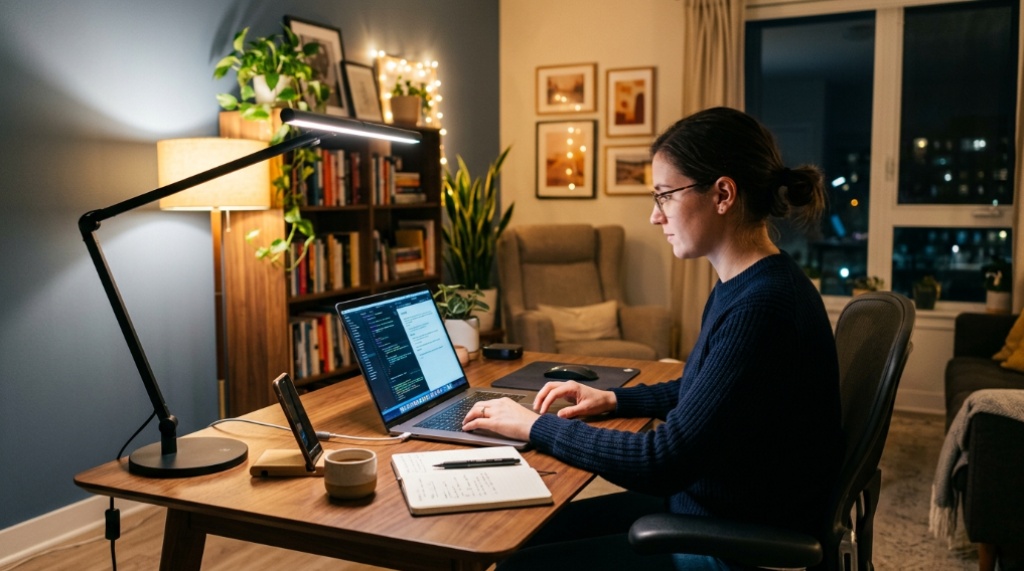
You flip the switch, the room brightens, and you sit down to work—only to spend the next hour squinting at your screen while your eyes slowly tire. The problem usually isn’t that you lack light; it’s that you have the wrong kind. General room lighting and focused work lighting do different jobs, and once you understand how they differ, choosing the right setup becomes straightforward. If you run a two-screen setup, you’ve probably already noticed how awkward traditional lamps can be, which is where a space saving clamp free desk lamp for dual monitors changes the equation by fitting around your screens instead of fighting them for space.
Quick Answer
Most workspaces need both, but they serve different roles: ambient lighting provides even, comfortable background illumination for the whole room, while task lighting delivers focused brightness exactly where you work—your keyboard, documents, and screen area. If you can only improve one thing, start with task lighting, because insufficient or poorly aimed light at your desk is the most common cause of eye strain, glare, and reduced focus. Ideally, combine soft ambient light with an adjustable task lamp, and keep both free of harsh reflections on your monitors.
Key Takeaways
- Ambient lighting covers the room evenly; task lighting concentrates brightness on your immediate work area.
- Eye strain at a desk usually comes from the wrong light placement, not just too little light.
- Dual-monitor setups have unique constraints—lamp position matters as much as brightness.
- Adjustable color temperature and brightness improve comfort more than raw lumen output.
- A layered setup (ambient plus task) generally beats relying on either one alone.
What Ambient Lighting Actually Does
Ambient lighting is the general illumination that fills a room. Think ceiling fixtures, wall wash lighting, or indirect floor lamps that bounce light off walls and ceilings. Its job is to eliminate dark zones and reduce the contrast between your bright screen and a pitch-black room.
That contrast matters more than most people realize. When your monitor is significantly brighter than everything around it, your eyes constantly readjust between the two levels, which contributes to fatigue over long sessions. Comfortable ambient light reduces that gap.
The trade-off is that ambient light alone rarely gives you enough usable brightness at the desk surface. Even a well-lit room can leave your keyboard, notes, and hands in relative shadow, especially if your body blocks the overhead fixture. That’s where task lighting takes over, Before setting up your ideal desk lighting, make sure your workspace is fully equipped and organized by learning Best Office Paper Shredder in CA.
What Task Lighting Actually Does
Task lighting is directional illumination aimed at the specific area where you work. A desk lamp is the classic example. Its purpose is to raise brightness at your working surface without flooding the entire room.
The key word is directional. A good task lamp lets you control where the light lands. Aim it at your documents and keyboard, not directly at your eyes or your screen. This is why adjustability—arm angle, head tilt, and swivel—matters more than sheer brightness.
A task lamp that’s too bright or badly aimed causes glare on glossy monitors and creates harsh shadows. A task lamp that’s well positioned eliminates both problems and lets you work comfortably even when the room is dimmer than ideal.
Why Color Temperature Matters for Both
Color temperature, measured in Kelvin, affects how alert or relaxed you feel. Cooler light (around 4000–5000K) tends to feel crisp and supports focus during daytime work. Warmer light (2700–3000K) feels softer and suits evening work or winding down. Many modern desk lamps let you switch between these ranges, which is useful if your workspace doubles as a reading or relaxation spot.
Task Lighting vs. Ambient Lighting: Which Do You Actually Need?
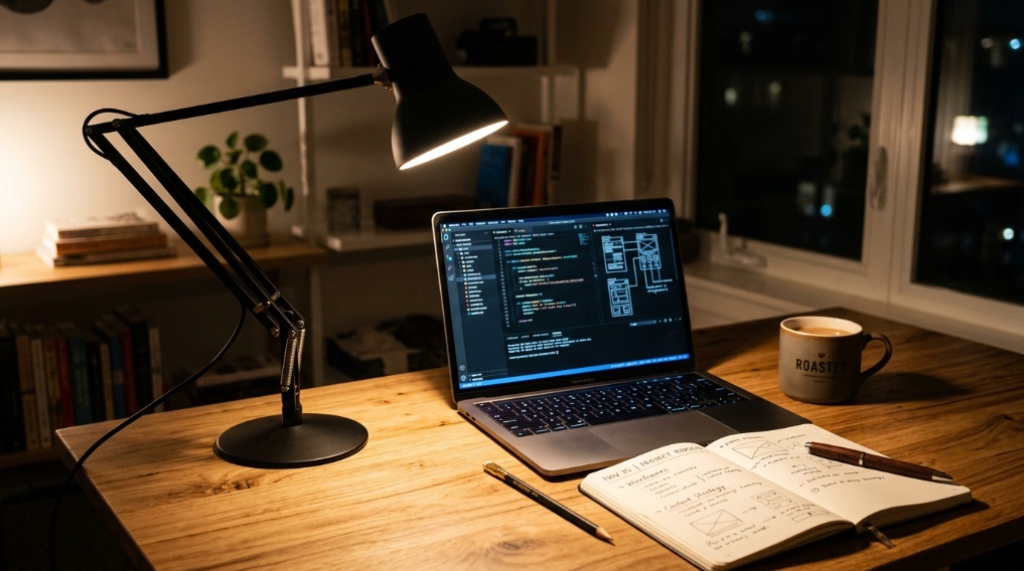
The honest answer is that the two aren’t competitors—they’re layers. But if you’re deciding where to invest first, the choice depends on your situation.
| Factor | Ambient Lighting | Task Lighting |
|---|---|---|
| Primary purpose | General room illumination | Focused work-area brightness |
| Best for | Reducing screen-to-room contrast | Reading, writing, detailed screen work |
| Adjustability | Usually limited | Often high (angle, brightness, color) |
| Common problem | Uneven coverage, shadows | Glare, poor placement |
| Typical fix | Add dimmable fixtures or indirect lamps | Choose an adjustable, well-positioned lamp |
If your room already has decent overhead lighting but your desk still feels dim, you need task lighting. If your room is dark and moody but your desk lamp is bright, you may still need ambient lighting to reduce contrast.
The Dual-Monitor Problem Nobody Warns You About
Two monitors create a specific lighting challenge: there’s simply less free desk space, and the screens themselves block or reflect light in ways a single screen doesn’t. A traditional lamp base can eat up valuable room or crowd one side of your setup.
This is why clamping and space-saving designs have gained traction. Instead of sitting on the desk, these lamps attach to the back edge or mount in a way that keeps your surface clear. Position matters too—a lamp placed between or behind monitors can throw light unevenly or create reflections.
Where to Position a Task Lamp With Two Screens
- Place the lamp so light falls across your keyboard and documents, not straight onto the screens.
- Angle the head slightly downward to minimize reflections on glossy panels.
- If possible, position the light source so it doesn’t sit directly in your line of sight.
- Prefer a lamp whose brightness can be lowered—overly bright task light can be as tiring as too little.
A lamp that can’t be repositioned is a handicap in a dual-monitor setup. Adjustability isn’t a luxury here; it’s the difference between usable and annoying.
Practical Signs You Have the Wrong Lighting
You don’t need a light meter to diagnose most problems. Watch for these signals:
- Frequent squinting or blinking despite having a lamp on—usually means your task light is too dim or badly aimed.
- Visible glare or reflections on your monitor—your lamp or room light is hitting the screen at the wrong angle.
- Shadows across your keyboard or notes—your light source is blocked by your body or positioned behind you.
- Headaches or tired eyes by mid-afternoon—often a contrast problem between a bright screen and dim surroundings.
- Feeling like the room is “too dark” even with a lamp on—you likely need ambient light, not a brighter task lamp.
These signs point to different fixes. Adding brightness where the problem is glare will only make things worse.
How to Build a Comfortable Layered Setup
A layered approach combines ambient and task lighting so each covers the other’s weakness. Here’s a practical way to think about it:
- Start with ambient light that’s dimmable. You want the room bright enough that your screen doesn’t feel like a flashlight in a cave, but not so bright that it washes out your desk area.
- Add a task lamp with adjustable brightness and angle. This is your main tool for detailed work. Aim it at your hands, keyboard, and documents.
- Avoid placing light sources directly behind or in front of your monitors. Reflected light is a common and often overlooked source of discomfort.
- Match color temperature to the time of day. Cooler during focused daytime work, warmer in the evening if you work late.
- Reassess after changes. Lighting comfort is personal—what works for one person may feel harsh to another.
When You Can Skip One Type
If your workspace is in a room with excellent, controllable overhead lighting and your monitor faces a wall without glare issues, you might not need a dedicated task lamp. Conversely, if you work in a small, enclosed space with a bright task lamp and no screen-glare issues, ambient lighting may be less critical. The general rule: don’t add lighting you don’t need, but don’t ignore an obvious contrast or glare problem either.
Frequently Asked Questions
Is task lighting better than ambient lighting for eye strain?
Neither is universally better—they solve different problems. Task lighting reduces strain caused by dim work surfaces, while ambient lighting reduces strain caused by high contrast between your screen and the room. Most people benefit from both.
Can I use just a desk lamp and no overhead light?
Yes, but it can create strong contrast between a bright desk area and a dark room, which some people find uncomfortable. Try it and pay attention to how your eyes feel after an hour or two.
How bright should a task lamp be for desk work?
There’s no single correct number, but the goal is comfortable, even light on your work surface without glare. If you’re squinting or seeing reflections on your screen, adjust brightness or angle rather than assuming you need more light.
Does monitor brightness need to match room lighting?
Not exactly, but reducing the gap between screen brightness and surrounding light generally improves comfort. Lowering monitor brightness in a dim room often helps as much as adding a light.
Where should I put a lamp with two monitors?
Position it so light falls on your keyboard and documents without striking the screens directly. Slightly off to one side and angled downward usually works better than placing it directly between the monitors.
Do I need special lighting if I work at night?
At night, aim for softer, warmer light and avoid a bright lamp pointed at your face or screen. Reducing contrast between screen and surroundings matters more than total brightness.
Conclusion
Ambient lighting sets the stage; task lighting does the detailed work. For most dual-monitor setups, the practical answer is to use both—soft, controllable room light to reduce contrast, plus an adjustable task lamp that directs brightness where you actually need it. Pay attention to placement and glare, not just brightness. If desk space is tight, prioritize a lamp that stays out of the way and can be repositioned as your needs change. Fix the contrast problem first, aim your task light second, and adjust color temperature last.
